8  Themes and Styling

The ggplot2 default themes and stylings are generally very good. However, there is nearly always the need to customise a plot to some degree. In this section we look at some high level styling options that can be added as global or local (plot-specific) styling preferences.

8.1 Theme Elements

So far we have seen how we can use aesthetics to modify the features of our graphic. High level styling options such as the panels, strip headers, gridlines and legend layout are all be modified on a plot by plot basis via the theme function. A full list of arguments is provided below:

args(theme) 
function (..., line, rect, text, title, point, polygon, geom, 
    spacing, margins, aspect.ratio, axis.title, axis.title.x, 
    axis.title.x.top, axis.title.x.bottom, axis.title.y, axis.title.y.left, 
    axis.title.y.right, axis.text, axis.text.x, axis.text.x.top, 
    axis.text.x.bottom, axis.text.y, axis.text.y.left, axis.text.y.right, 
    axis.text.theta, axis.text.r, axis.ticks, axis.ticks.x, axis.ticks.x.top, 
    axis.ticks.x.bottom, axis.ticks.y, axis.ticks.y.left, axis.ticks.y.right, 
    axis.ticks.theta, axis.ticks.r, axis.minor.ticks.x.top, axis.minor.ticks.x.bottom, 
    axis.minor.ticks.y.left, axis.minor.ticks.y.right, axis.minor.ticks.theta, 
    axis.minor.ticks.r, axis.ticks.length, axis.ticks.length.x, 
    axis.ticks.length.x.top, axis.ticks.length.x.bottom, axis.ticks.length.y, 
    axis.ticks.length.y.left, axis.ticks.length.y.right, axis.ticks.length.theta, 
    axis.ticks.length.r, axis.minor.ticks.length, axis.minor.ticks.length.x, 
    axis.minor.ticks.length.x.top, axis.minor.ticks.length.x.bottom, 
    axis.minor.ticks.length.y, axis.minor.ticks.length.y.left, 
    axis.minor.ticks.length.y.right, axis.minor.ticks.length.theta, 
    axis.minor.ticks.length.r, axis.line, axis.line.x, axis.line.x.top, 
    axis.line.x.bottom, axis.line.y, axis.line.y.left, axis.line.y.right, 
    axis.line.theta, axis.line.r, legend.background, legend.margin, 
    legend.spacing, legend.spacing.x, legend.spacing.y, legend.key, 
    legend.key.size, legend.key.height, legend.key.width, legend.key.spacing, 
    legend.key.spacing.x, legend.key.spacing.y, legend.key.justification, 
    legend.frame, legend.ticks, legend.ticks.length, legend.axis.line, 
    legend.text, legend.text.position, legend.title, legend.title.position, 
    legend.position, legend.position.inside, legend.direction, 
    legend.byrow, legend.justification, legend.justification.top, 
    legend.justification.bottom, legend.justification.left, legend.justification.right, 
    legend.justification.inside, legend.location, legend.box, 
    legend.box.just, legend.box.margin, legend.box.background, 
    legend.box.spacing, panel.background, panel.border, panel.spacing, 
    panel.spacing.x, panel.spacing.y, panel.grid, panel.grid.major, 
    panel.grid.minor, panel.grid.major.x, panel.grid.major.y, 
    panel.grid.minor.x, panel.grid.minor.y, panel.ontop, panel.widths, 
    panel.heights, plot.background, plot.title, plot.title.position, 
    plot.subtitle, plot.caption, plot.caption.position, plot.tag, 
    plot.tag.position, plot.tag.location, plot.margin, strip.background, 
    strip.background.x, strip.background.y, strip.clip, strip.placement, 
    strip.text, strip.text.x, strip.text.x.bottom, strip.text.x.top, 
    strip.text.y, strip.text.y.left, strip.text.y.right, strip.switch.pad.grid, 
    strip.switch.pad.wrap, complete = FALSE, validate = TRUE) 
NULL
In order to modify theme elements, we need to use one of a small number of in-built functions:

  • element_text
  • element_line
  • element_rect

The choice of which to use depends on what it is we’re modifying. For example, titles and axis labels are text and so the element_text is required. Axis and grid lines require the use of element_line and the plot area and strip header are shaded rectangles for which element_rect must be used.

We may also use element_blank to remove elements. Here is an example of a call to theme:

# Create a plot
pk_plot <- ggplot(data = pk,
                  aes(x = TIME, y = CONC)) +
  facet_wrap( ~ SUBJID) +
  geom_line() +
  geom_point()

# Draw the plot but modify some theme elements
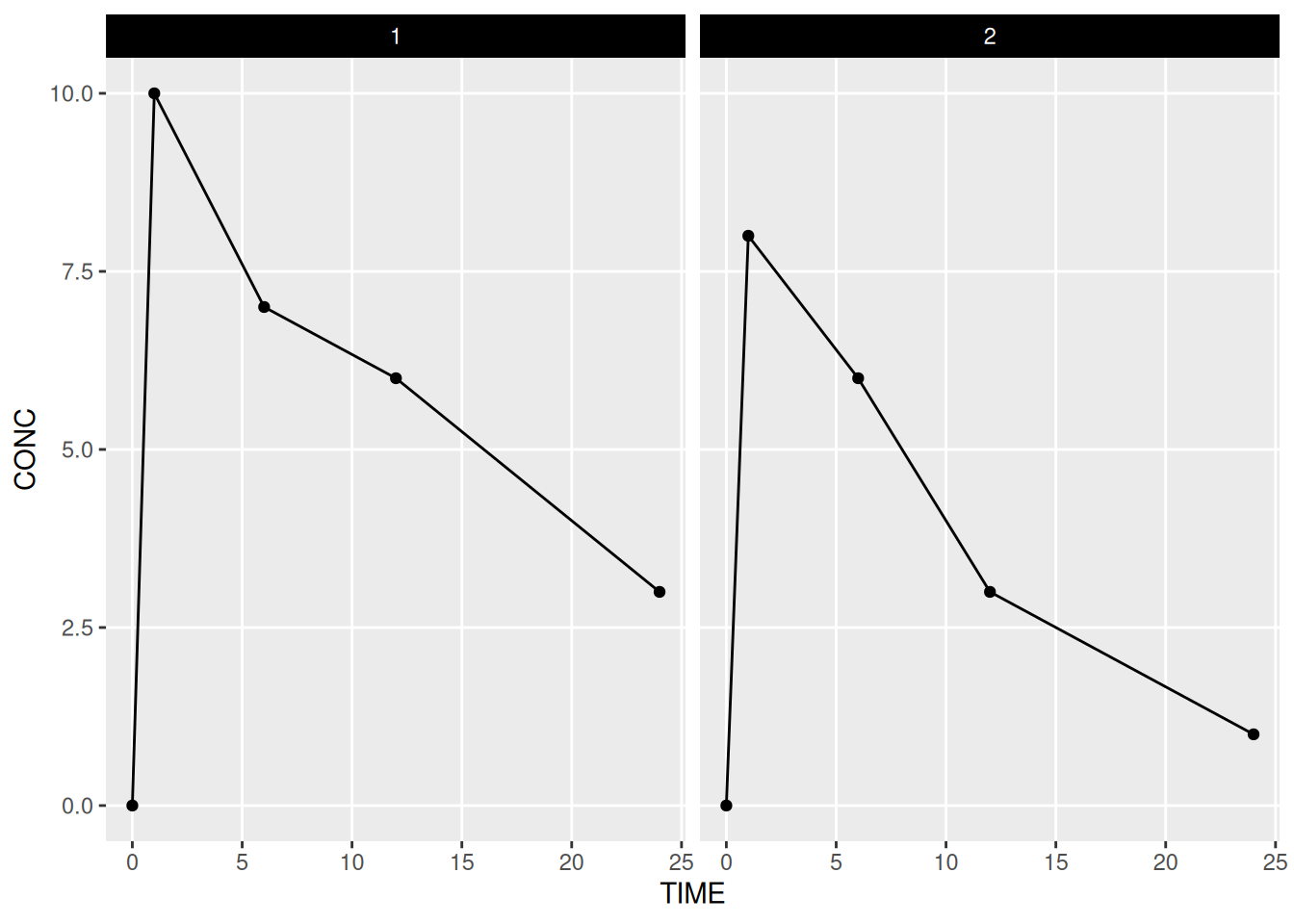
pk_plot +
  theme(panel.grid.minor.x = element_blank(),
        panel.grid.minor.y = element_blank(),
        strip.text = element_text(colour = "white"),
        strip.background = element_rect(fill = "black"))

8.2 Global Themes

A ggplot object is really just a list of instructions the explain how we would like our graphic to look. The plot is only actually created when we ask R to print it. If we don’t specify certain arguments then defaults are used. This is particularly true for the overall plot theme, which is called upon only at the point when the graph is drawn. We can use the theme_set function to change the global theme, and hence the appearance of all graphics from that point forwards.

Building your own them from scratch is not recommended! It is generally easier to begin by choosing from a small number of in-built themes. The theme for these materials is theme_bw. The package default is theme_grey. Further themes can be found in the ggthemes package.

# Set the global theme using a theme in ggthemes
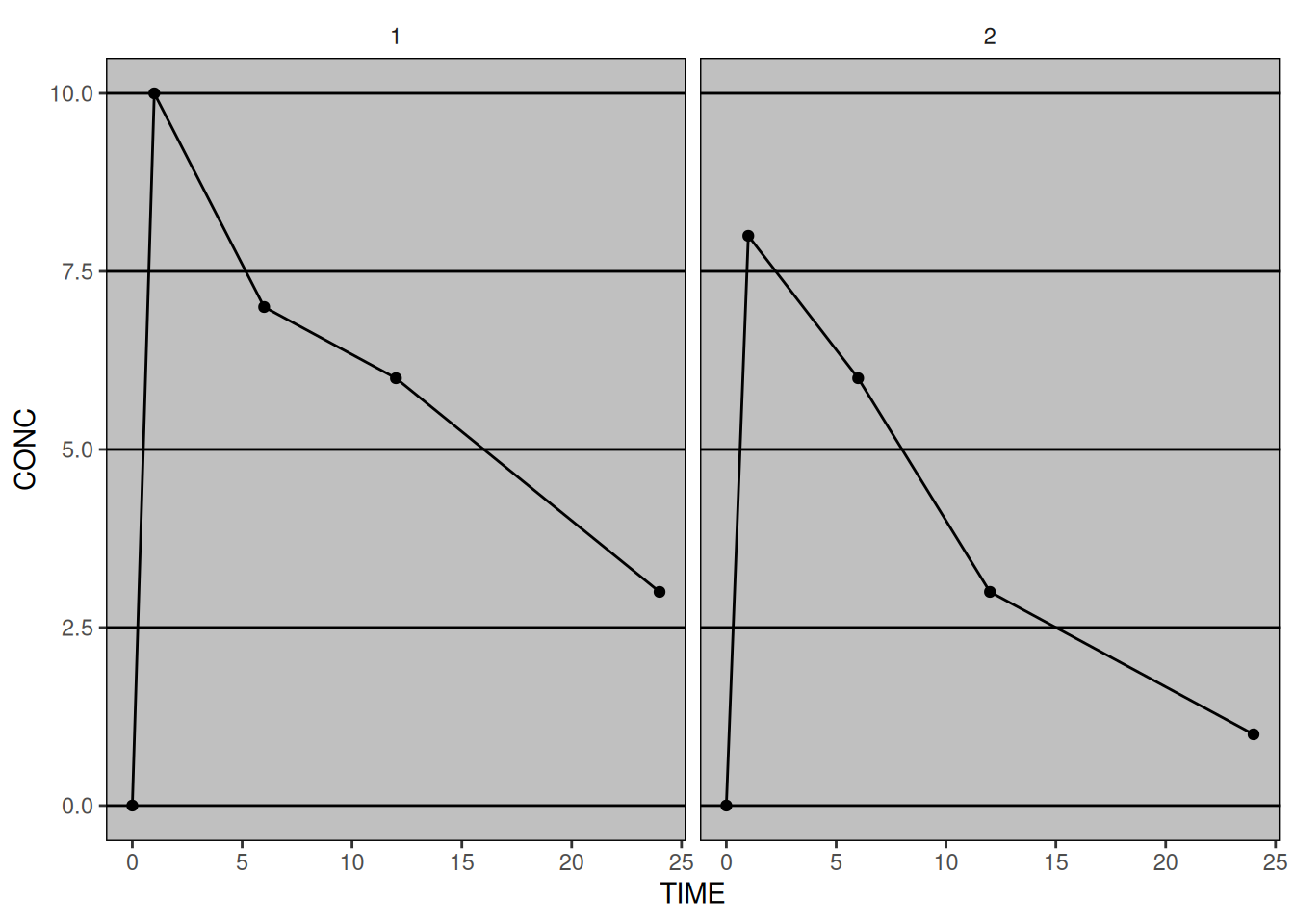
theme_set(ggthemes::theme_excel(base_size = 12))

# Draw the plot (in this case one that we created earlier)
pk_plot

All of the in-built themes come with options base_size and base_family which control the font size and family at a global level. This allows us to define different global themes for different formats. For example we might look to increase the font size for a presentation. The global themes can also be added to individual plots as layers.

8.3 Modifying Global Themes

Once we’ve settled upon a global theme that is close to what we want, we use the theme_update function to modify individual elements in the same way as we would if we were using the theme function.

# Update the theme
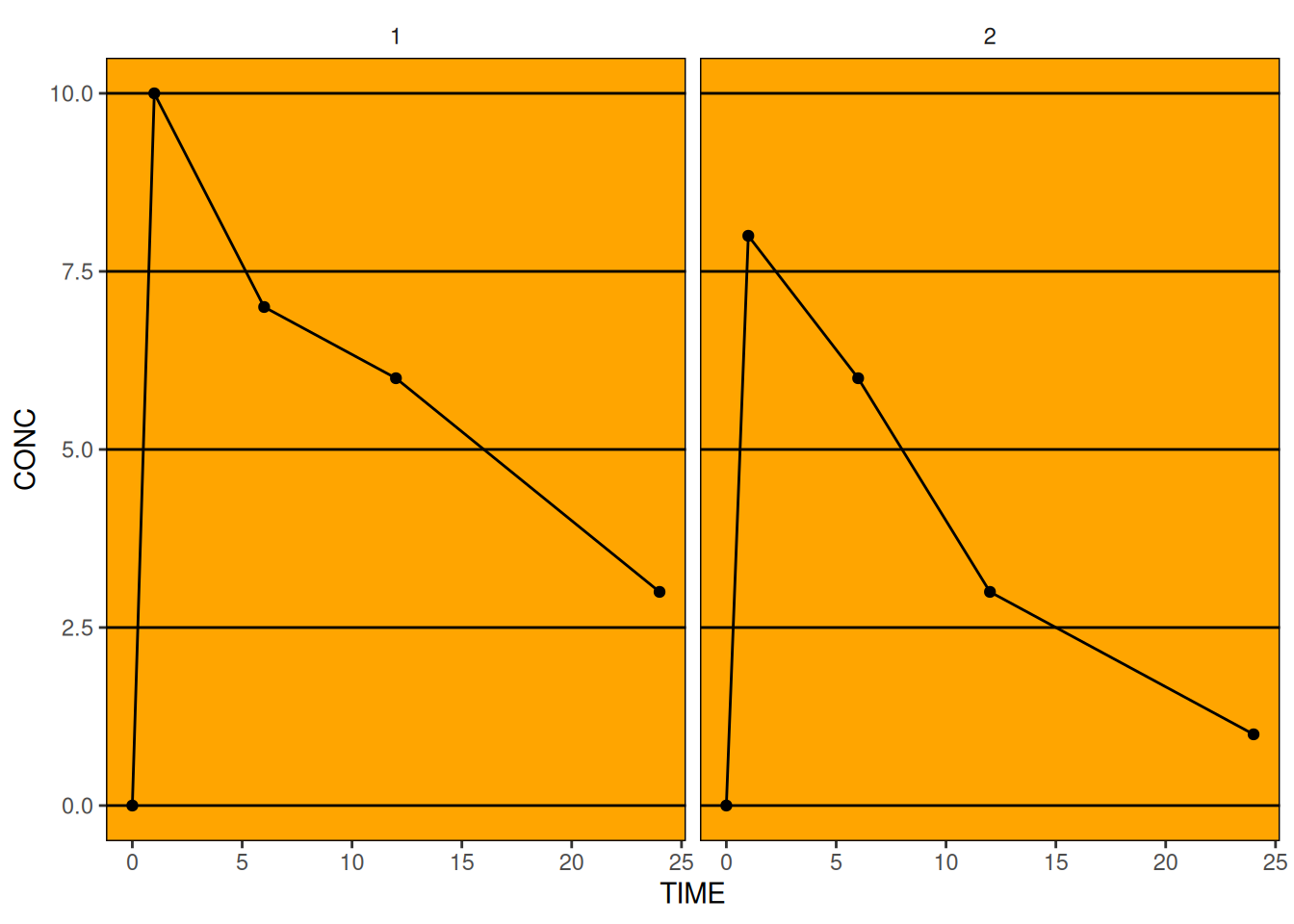
theme_update(panel.background = element_rect(fill = "orange"))

# Re-draw the plot again
pk_plot

# Set the theme back to something a bit nicer
theme_set(theme_bw(base_size = 12))

8.4 Legend Control

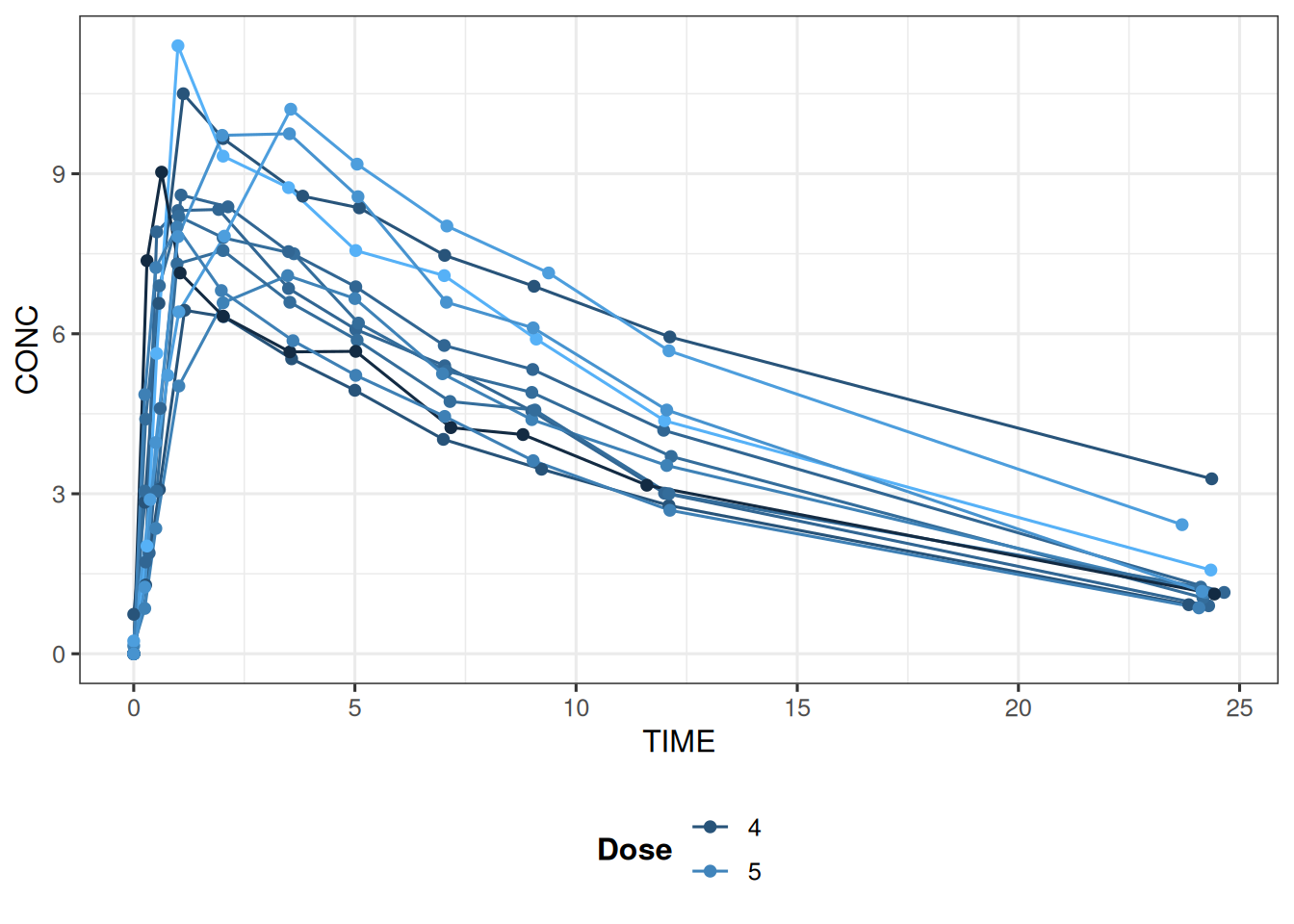
So far we’ve seen how the scale_* functions affect the legend content and how themes can be used to further modify the styling of the legend. The guide_legend function is a single function that provides styling functionality and allows the user to override default settings and further customise the legend layout.

ggplot(data = theoph,
       aes(x = TIME, y = CONC, 
                          colour = DOSE, group = SUBJID)) + 
  geom_line() +
  geom_point() +
  theme(legend.position = "bottom") +
  guides(colour = 
           guide_legend(title = "Dose", title.position = "left", nrow = 2, 
                        direction = "vertical",
                        title.theme = element_text(face = "bold", angle = 0)))

If you notice an issue, have suggestions for improvements, or want to view the source code, you can find it on GitHub.